
Multi-tenant
Separate tenants, sites, and portals under one install. Keep every client's config, branding, and data cleanly isolated.
Atrium is a self-hosted admin panel for running branded guest WiFi captive portals across multiple tenants and sites on a UniFi network - from a single install you control.
Separate tenants, sites, and portals under one install. Keep every client's config, branding, and data cleanly isolated.

Per-portal branding and custom form fields, free-form or a specific type, whose answers flow straight into analytics - no code required.

See active devices live, manually authorize, reconnect, or deauthorize, and issue vouchers for time-limited access.

Per-portal session history and usage trends, so you can actually answer "how many guests did we get."

Role-based access control with two-factor authentication, so client-facing staff only see what they should.

Every admin action recorded - who changed what, and when.

Guests can connect with one tap using their Google account instead of filling in a form.

One site can run a completely different portal per SSID - staff WiFi, guest WiFi, and a lobby kiosk can each show something different. UniFi's built-in guest portal can't do that.

Encrypted full-site backup covering settings, content, and uploads - restore onto a fresh install in minutes.
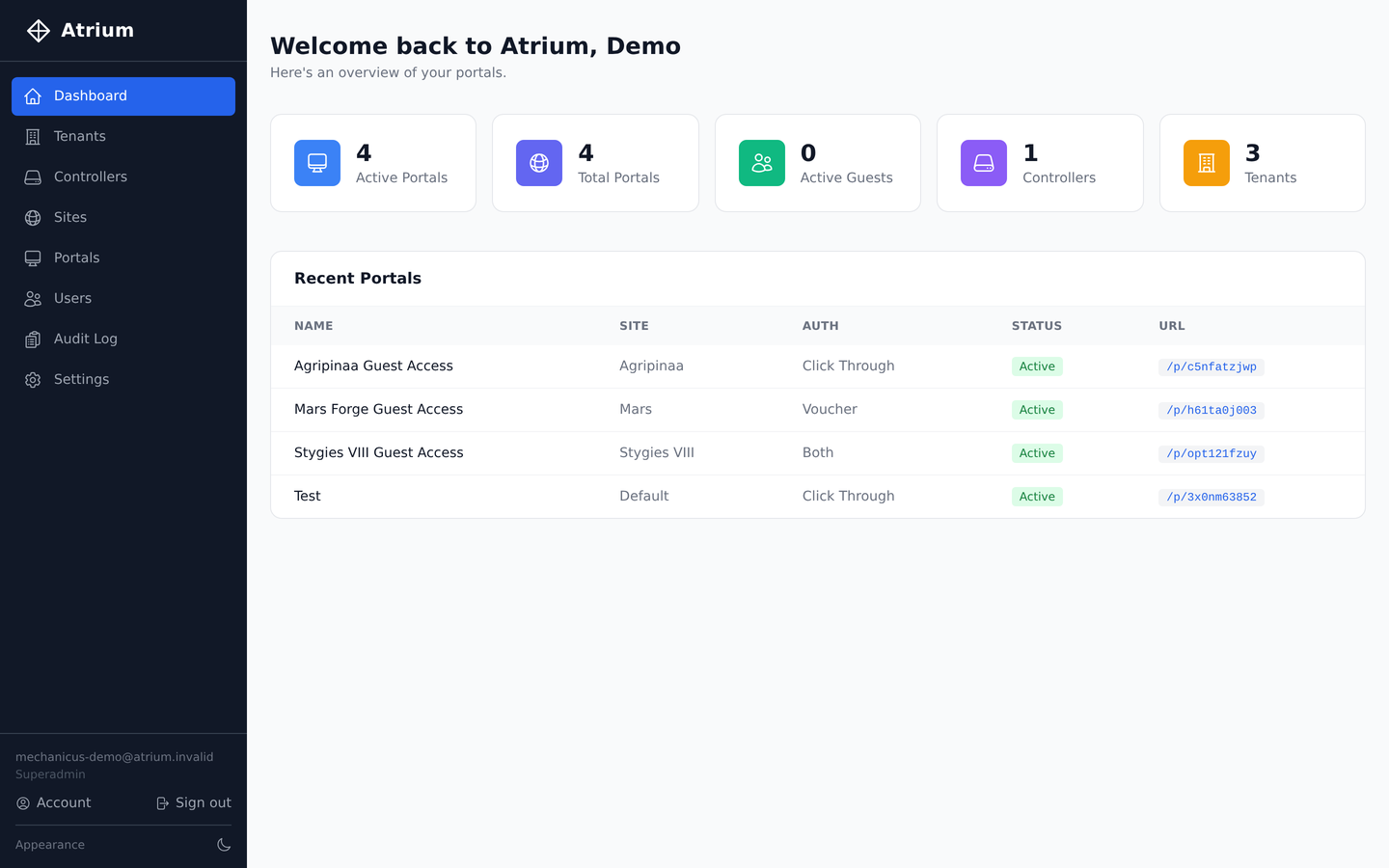
Active portals, live guest counts, and recent activity across every tenant - at a glance, the moment you log in.
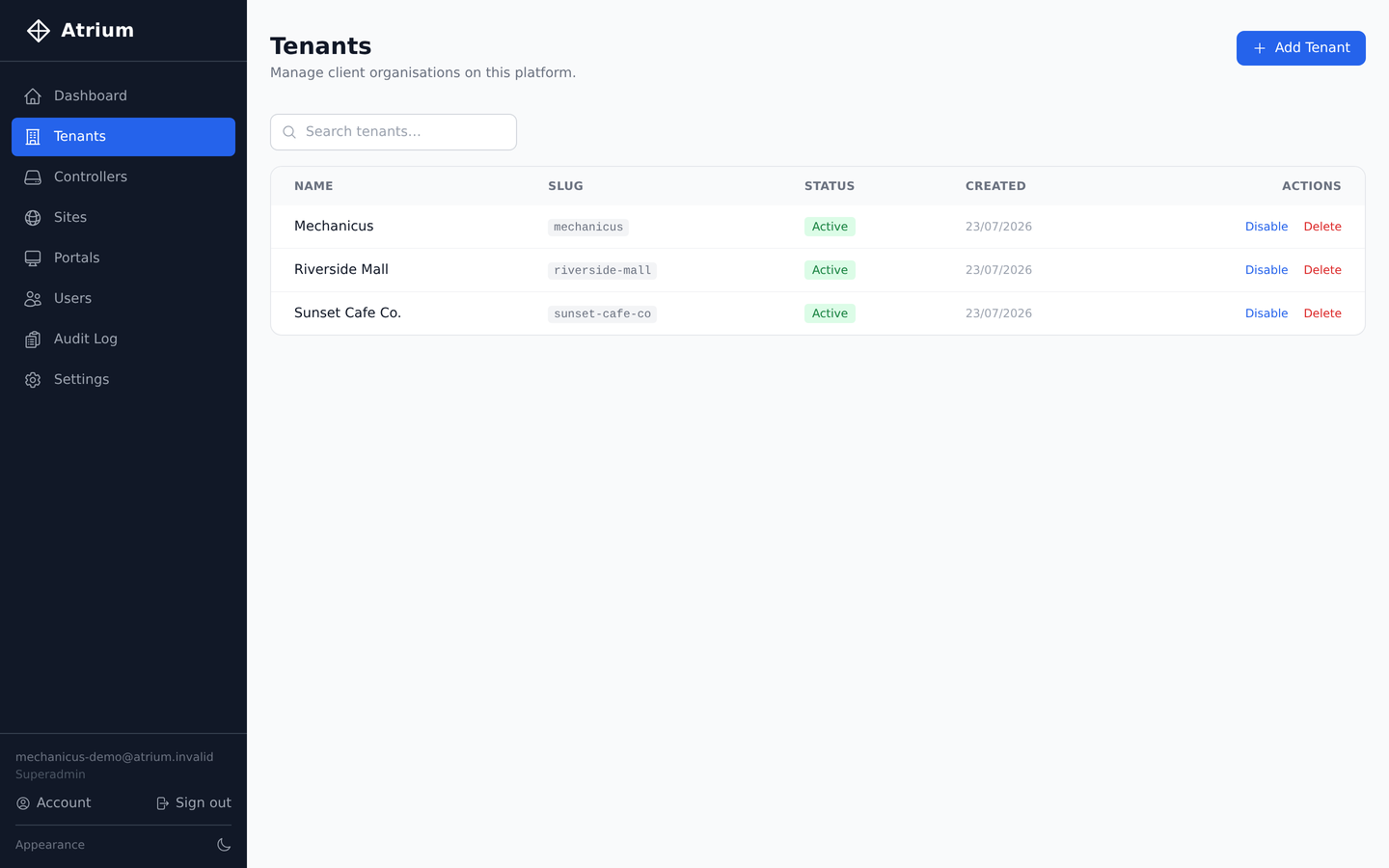
Running guest WiFi for multiple clients as an MSP? Each one is a fully isolated tenant - their own sites, portals, and users, all under a single install you maintain.
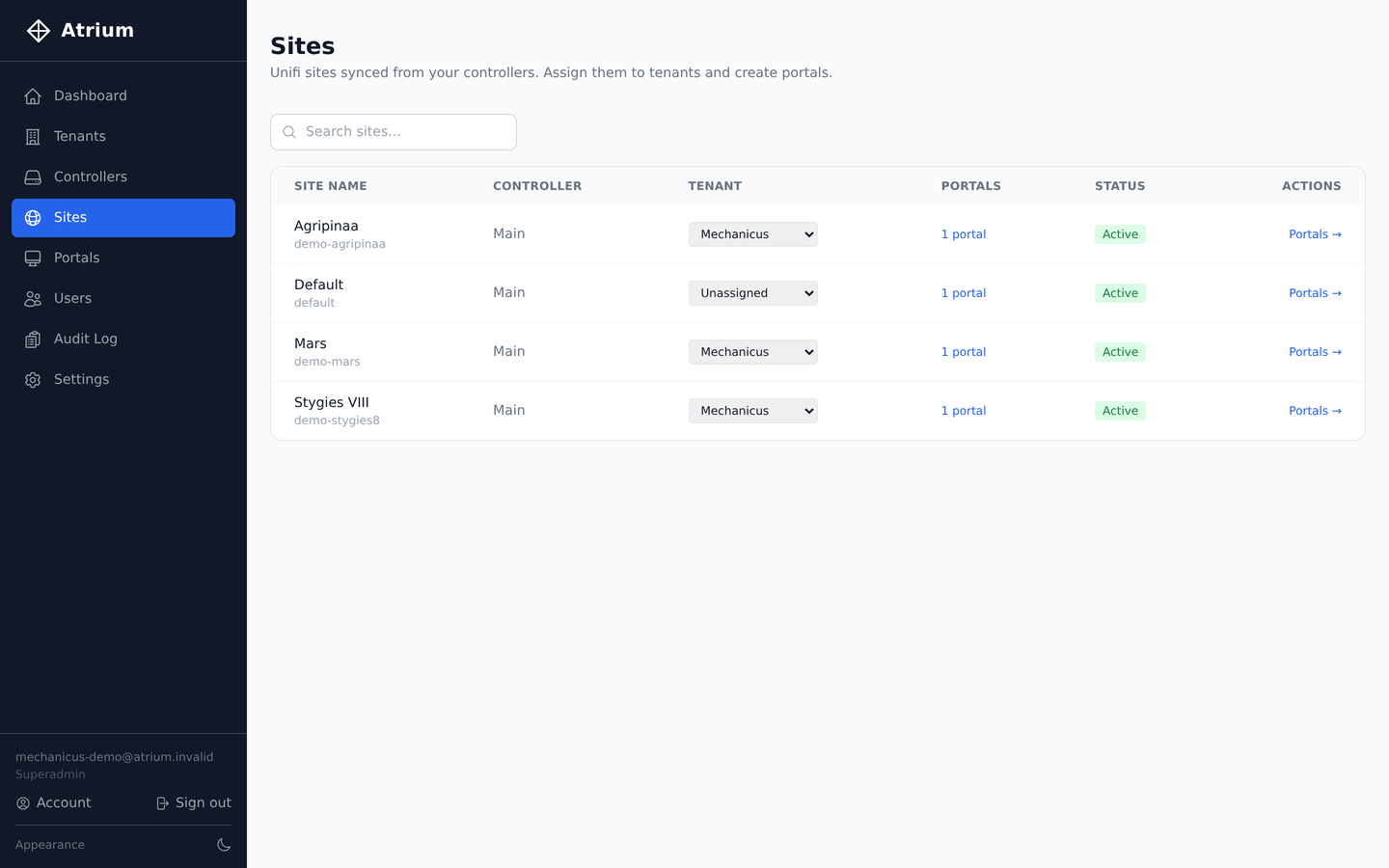
A tenant isn't limited to one site - assign as many UniFi sites to them as they have locations, each with its own portal, branding, and guest data.
Down to the SSID: a single site can run a different portal per SSID - staff WiFi, guest WiFi, and a lobby kiosk network can each show something completely different. UniFi's built-in guest portal can't do that.
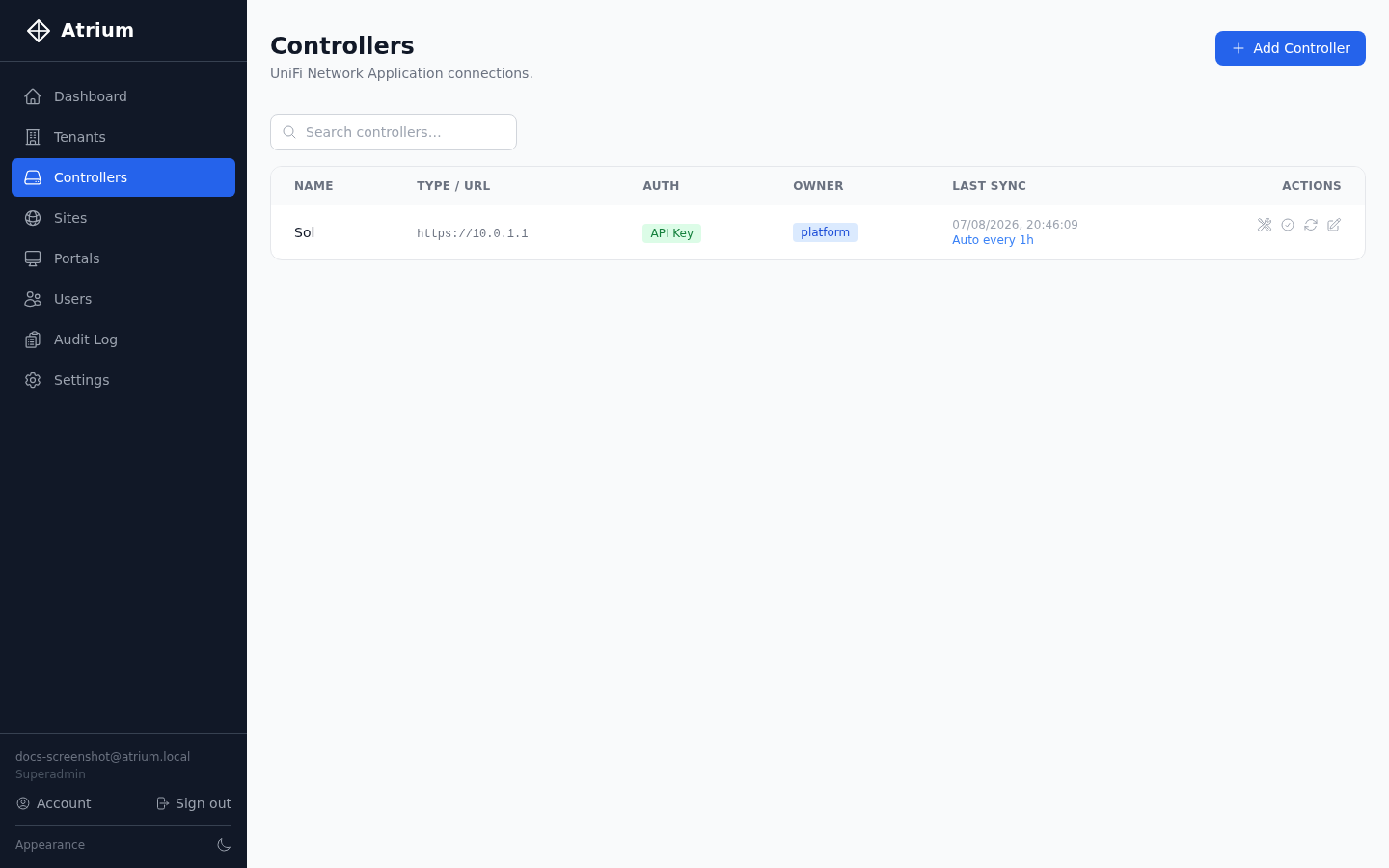
Add a self-hosted UniFi controller or UniFi Site Manager (cloud), with password or 2FA-safe API key auth. Sites and access points sync on a schedule you set - hourly, daily, or on demand.
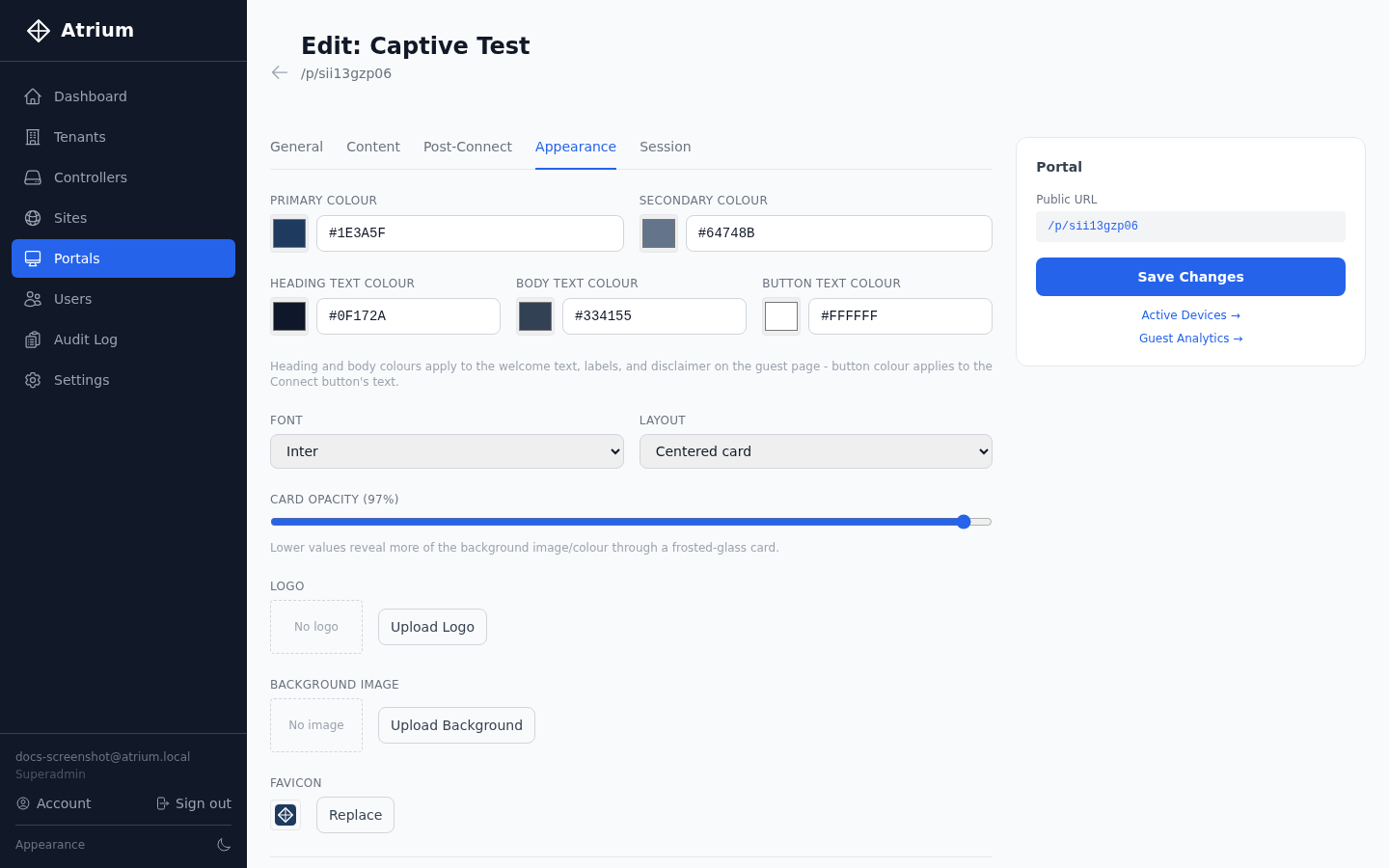
Colors down to heading, body, and button text, fonts, layout, logo, background, and favicon - tailor the guest login experience per portal, per tenant, without touching code.
Ask guests whatever you need on the way in: free-form fields, or specific types like email and phone. Every answer is captured against the session, ready to filter and export from analytics.
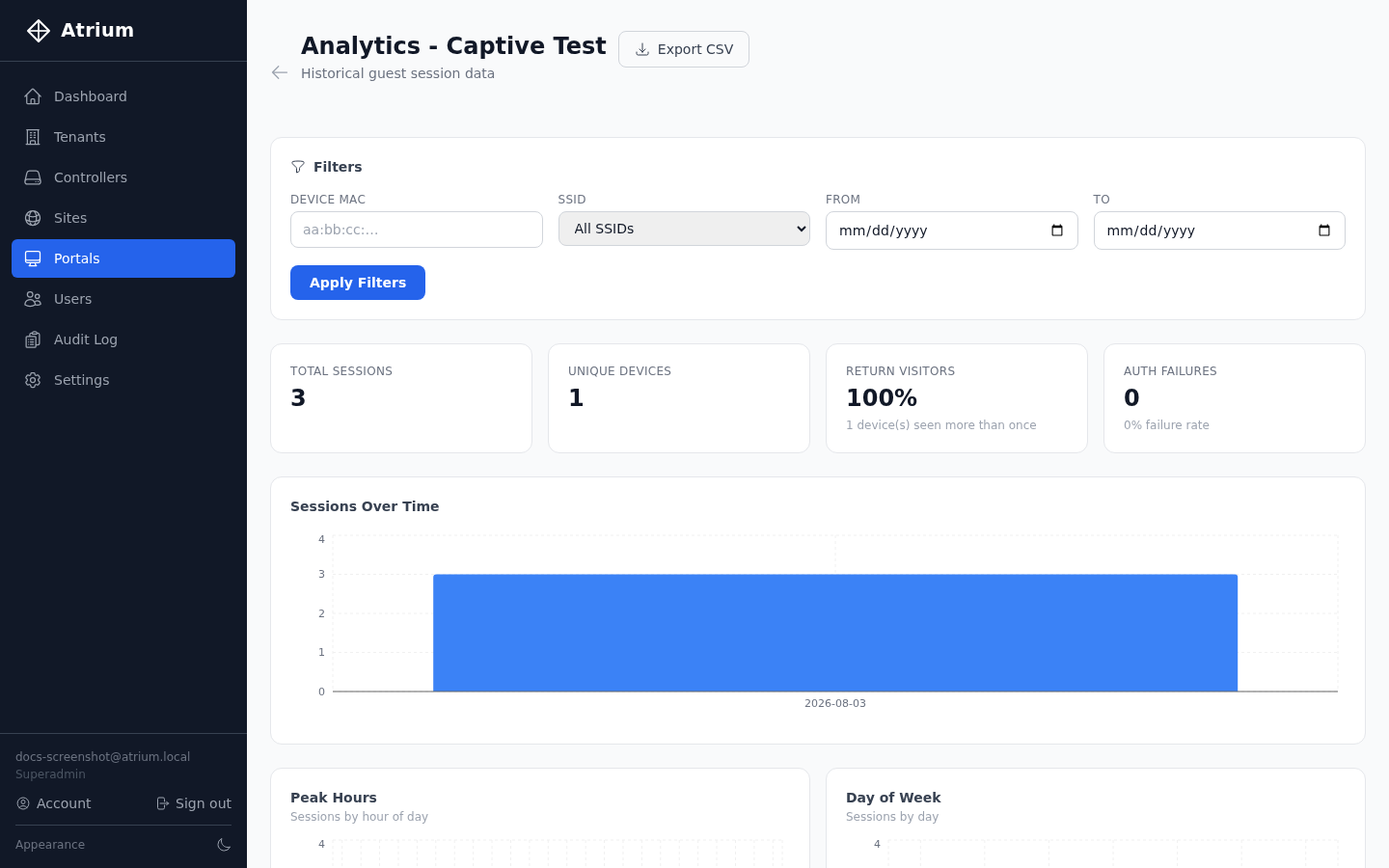
Total sessions, unique devices, return-visitor rate, and auth failures per portal, with sessions charted over time and by peak hour and day of week. Filter by device, SSID, or date range, and export to CSV.
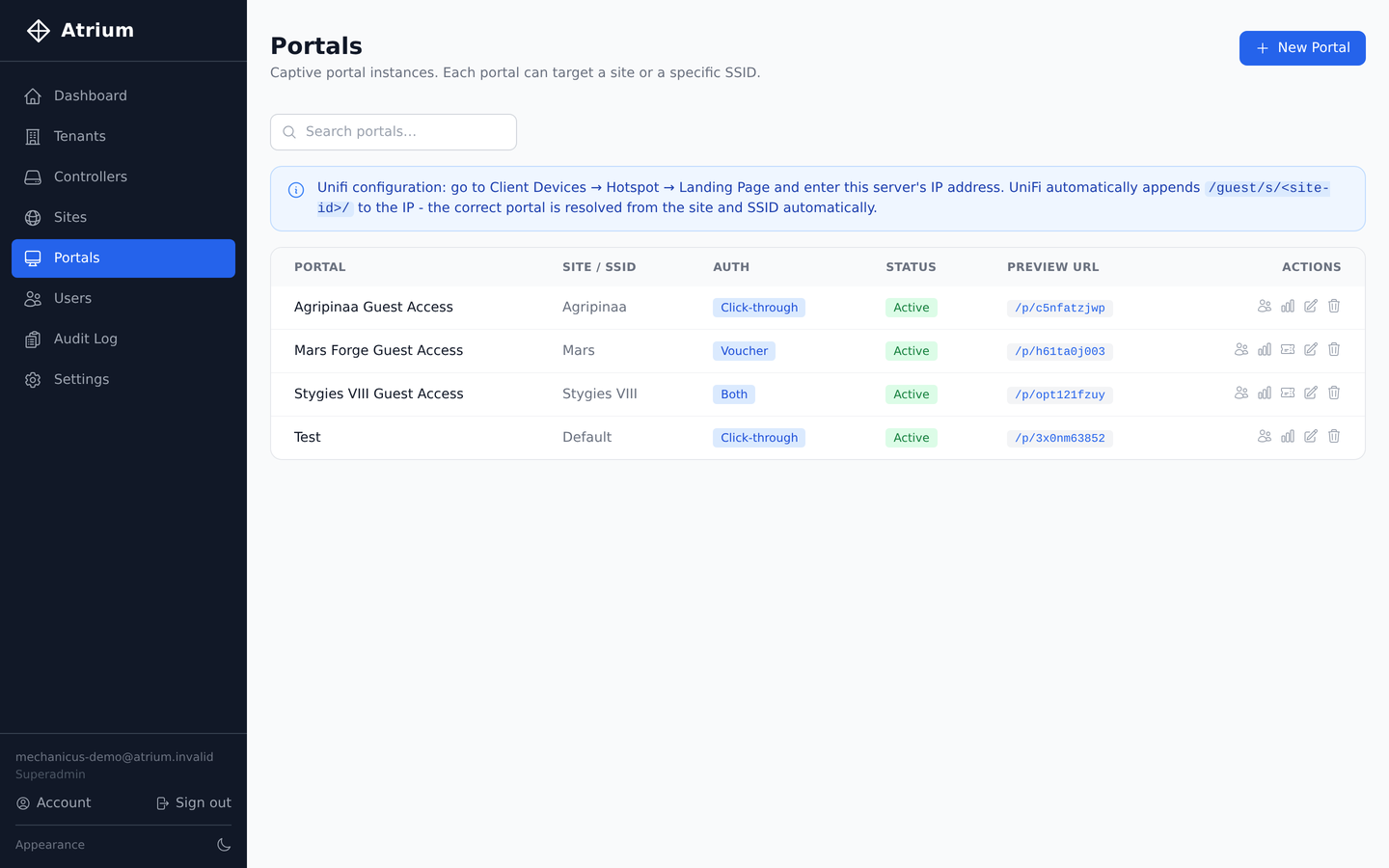
Search and manage every captive portal instance across every site, with direct links to guests, analytics, and vouchers.
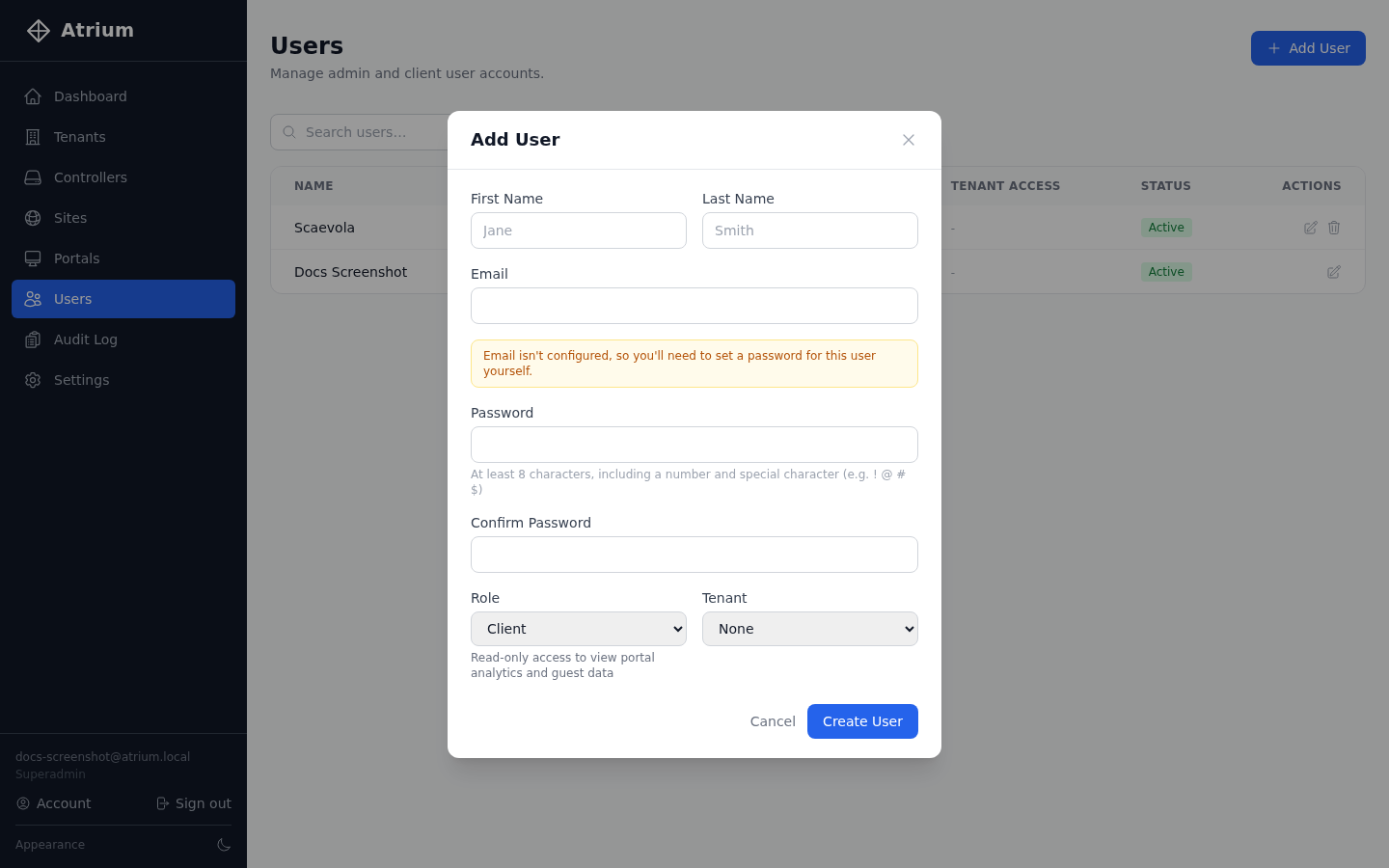
Three roles cover most teams: Superadmin has full platform access, Admin manages portals, sites, and users within their tenant, and Client gets read-only access to guest data and analytics.
Need someone across more than one client? Grant additional Admin or Client memberships in other tenants, independent of their primary role - handy for MSP staff supporting several accounts.
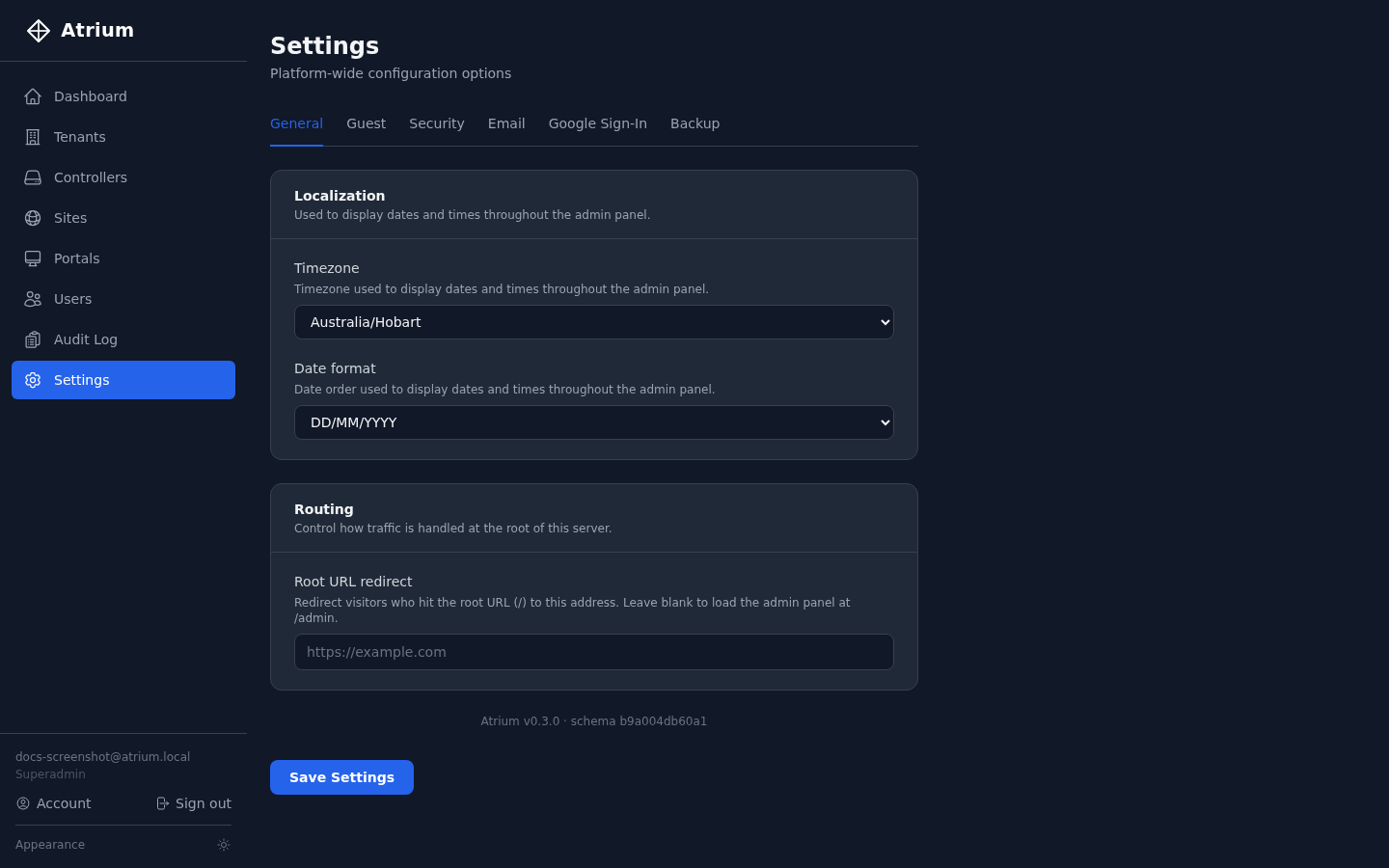
Timezone, date format, routing, guest defaults, security, and email - plus a dark theme that's genuinely easy on the eyes.
Docker Compose, published images, five minutes. Your data stays on your server.
Read the install guide →